

Who sees badges: Employees signed in to a referral portal with full access. Former employees who can see only their payouts don’t see badges.Availability: Referrals need to be turned on for your account. Ask your Customer Success Manager.
Where employees see badges
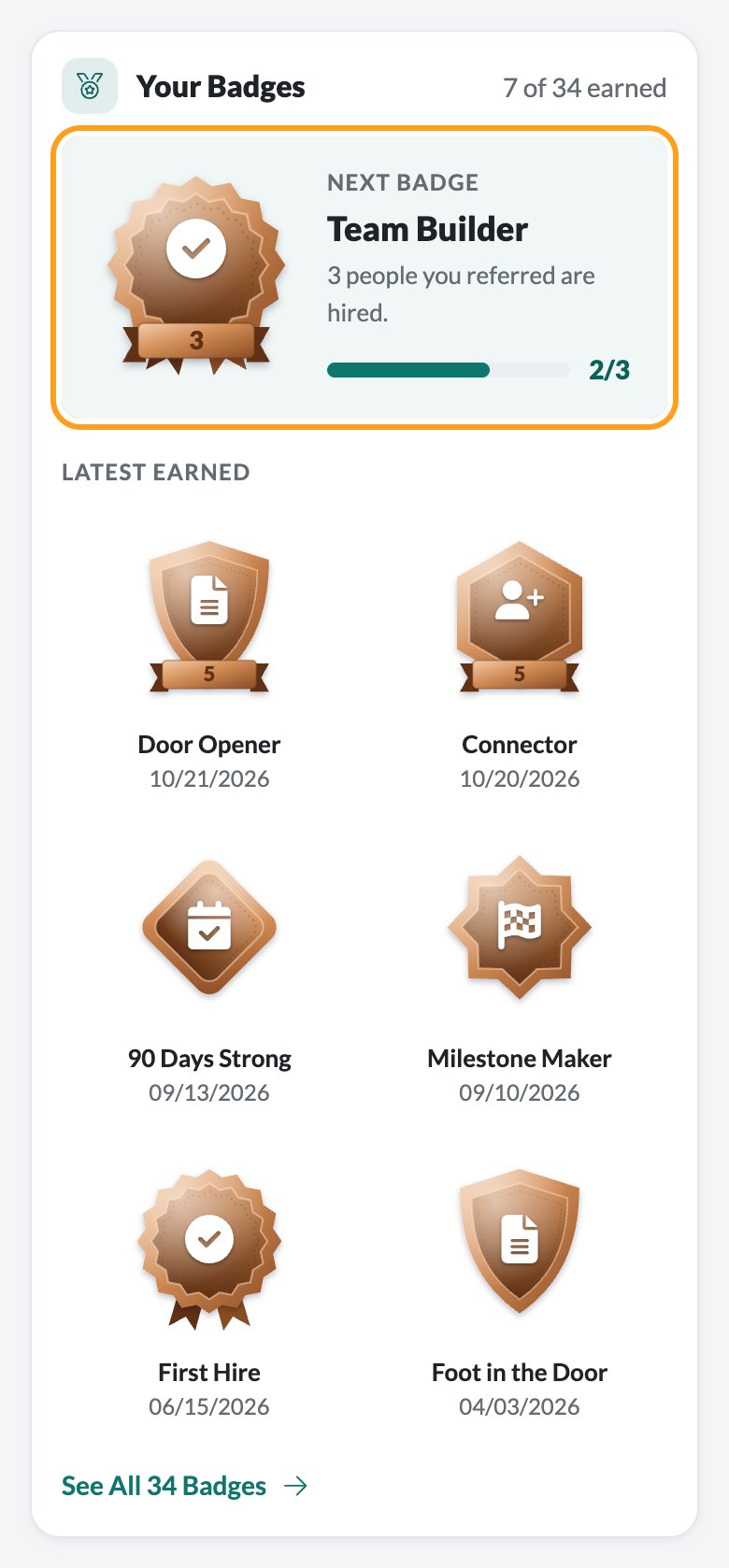
- Home has a Your Badges card with how many are earned, the Next Badge and its progress, and up to six of the Latest Earned. See All 34 Badges opens the Badges page.
- Badges in the portal’s menu lists every badge, track by track.
- Each badge has its own page, opened by clicking it.
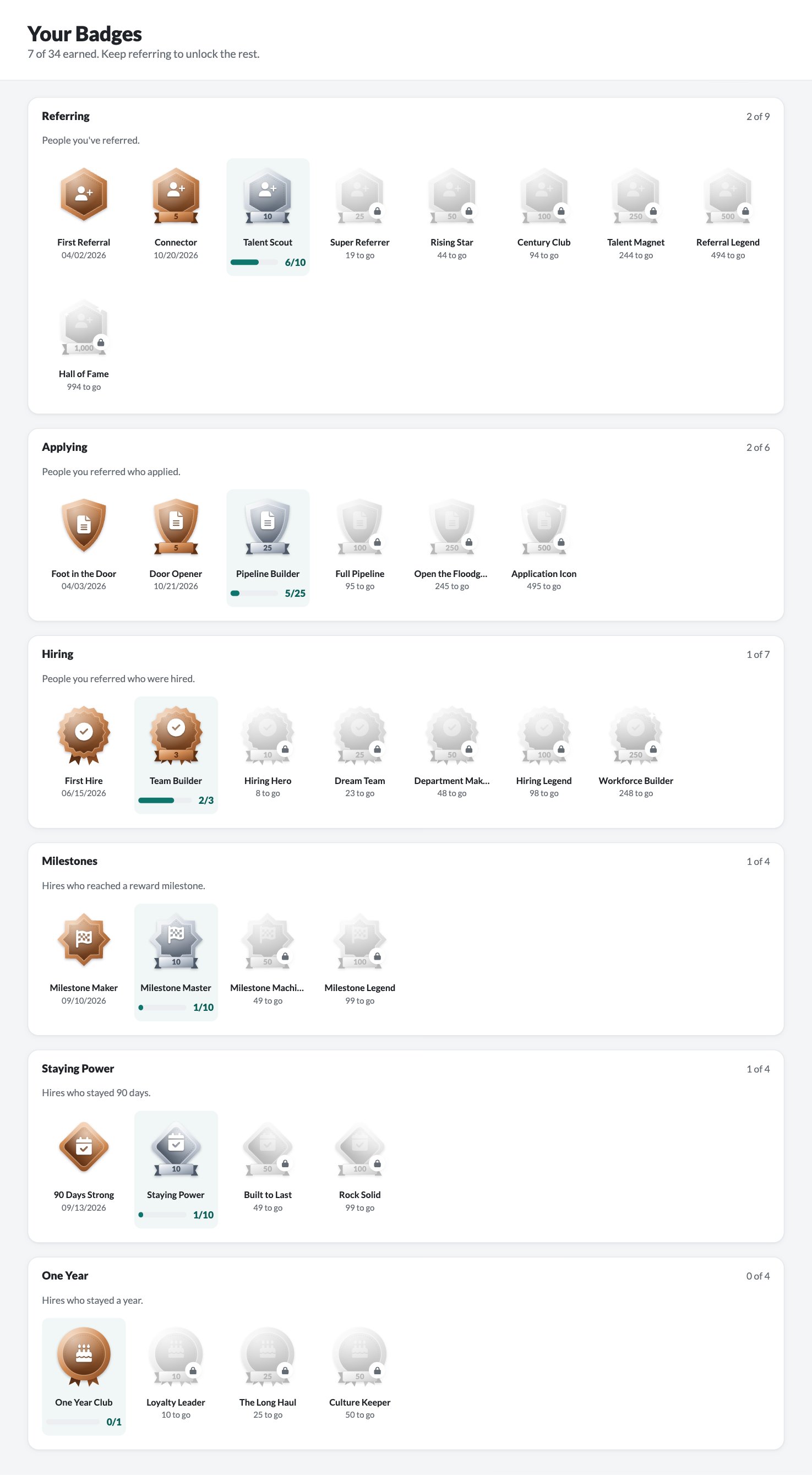
The Badges page
The page opens with how many badges the employee has earned. Each track has its own card with a count like “2 of 9” and its badges, easiest first:- Earned badges are in full color, with the date they were earned.
- The track’s next badge is in full color on a light background, with a progress bar like “6/10”.
- The rest are grey with a lock, and say how many to go, like “19 to go”.
A badge’s own page
Click any badge to open its page. It shows the medal, its metal and track (for example “Bronze · Hiring”) and what it takes. If it’s earned, the page shows Earned with the date. If not, it says how many more are needed, like “1 more hire to go.”, with a progress bar. As on Home and the Badges page, the track’s next badge is in full color and the badges after it are grey with a lock, here and in the track’s list below. Below that, How to Earn It gives a tip for the track, and the track’s other badges are listed so the employee can jump between them. Click All Badges to go back.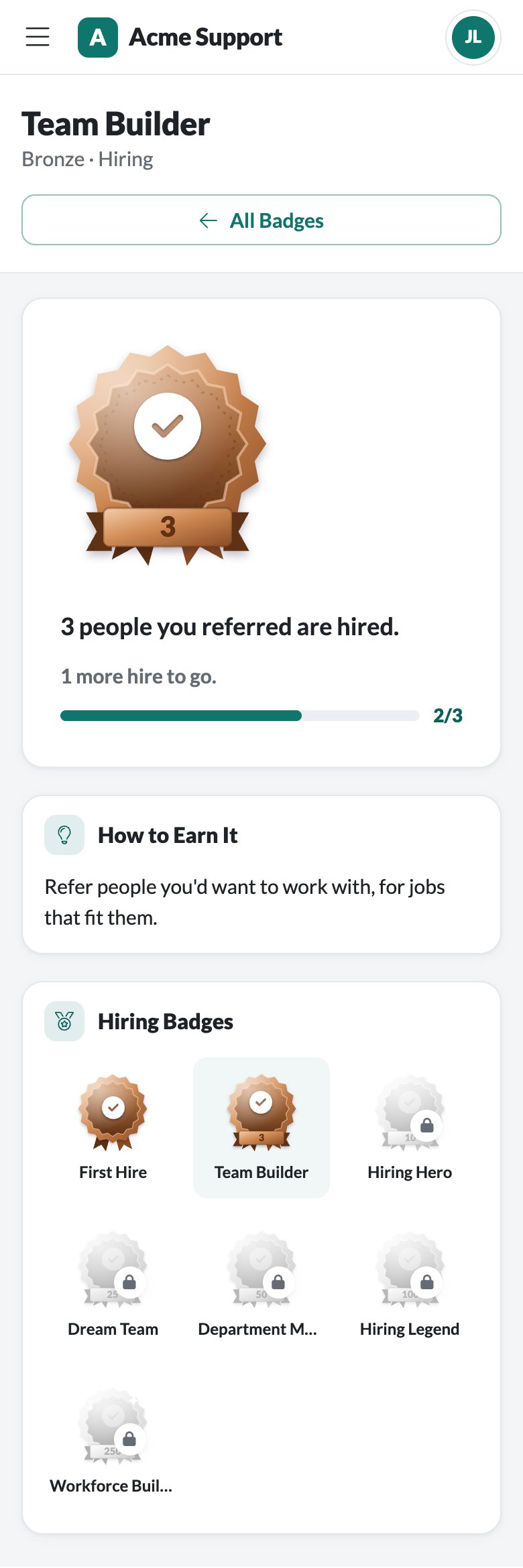
Every badge
Referring
People you’ve referred. Tip: refer someone from the Refer page, or share your personal link or a job. Everyone who applies through your link counts.Applying
People you referred who applied. Tip: a quick message after you refer someone helps them follow through and apply.Hiring
People you referred who were hired. Tip: refer people you’d want to work with, for jobs that fit them.Milestones
Hires who reached a reward milestone, like Training Completed. Tip: checking in with your hires in their first weeks helps.Staying Power
Hires who are still employed 90 days after their start date.One Year
Hires who are still employed a year after their start date.What counts
- Every referral at your company counts, whichever of your company’s portals it came through, including people who applied through the employee’s links.
- Denied referrals don’t count. If the recruiting team doesn’t approve a referral, it doesn’t count toward any badge.
- Hires count from the hire’s start date.
- Milestones count a hire once, when they reach a milestone in a reward program.
- Staying badges count a hire on the day they reach 90 days or a year after their start date, only if they’re still employed on that day.
- The earned date is the day the count was reached. For example, Connector is earned on the day of the fifth referral.
FAQ
Can admins turn badges off or change them?
Can admins turn badges off or change them?
No. Every employee with full access to a portal sees the same 34 badges.
Do badges depend on how much someone was paid?
Do badges depend on how much someone was paid?
No. Badges count referrals, applications, hires, milestones and how long hires stay. Reward amounts never count.
Are badges per portal?
Are badges per portal?
No. Badges count all of an employee’s referrals at your company, so they’re the same on every portal the employee can use.
Can someone lose a badge?
Can someone lose a badge?
Badges always reflect the employee’s current referrals. If a referral is later denied, it stops counting, which can take a badge away.
Do former employees see their badges?
Do former employees see their badges?
No. Employees who left and can still see their payouts see only Payouts and Settings.
Can other employees see my badges?
Can other employees see my badges?
No. Each employee sees only their own badges.
Related
Using the referral portal
The employee’s guide to the portal.
Employee sign-in and access
Who gets full access to a portal.
Reward programs
Set up rewards with milestones like Training Completed.
How referrals work
The referral process from referral to payout.