

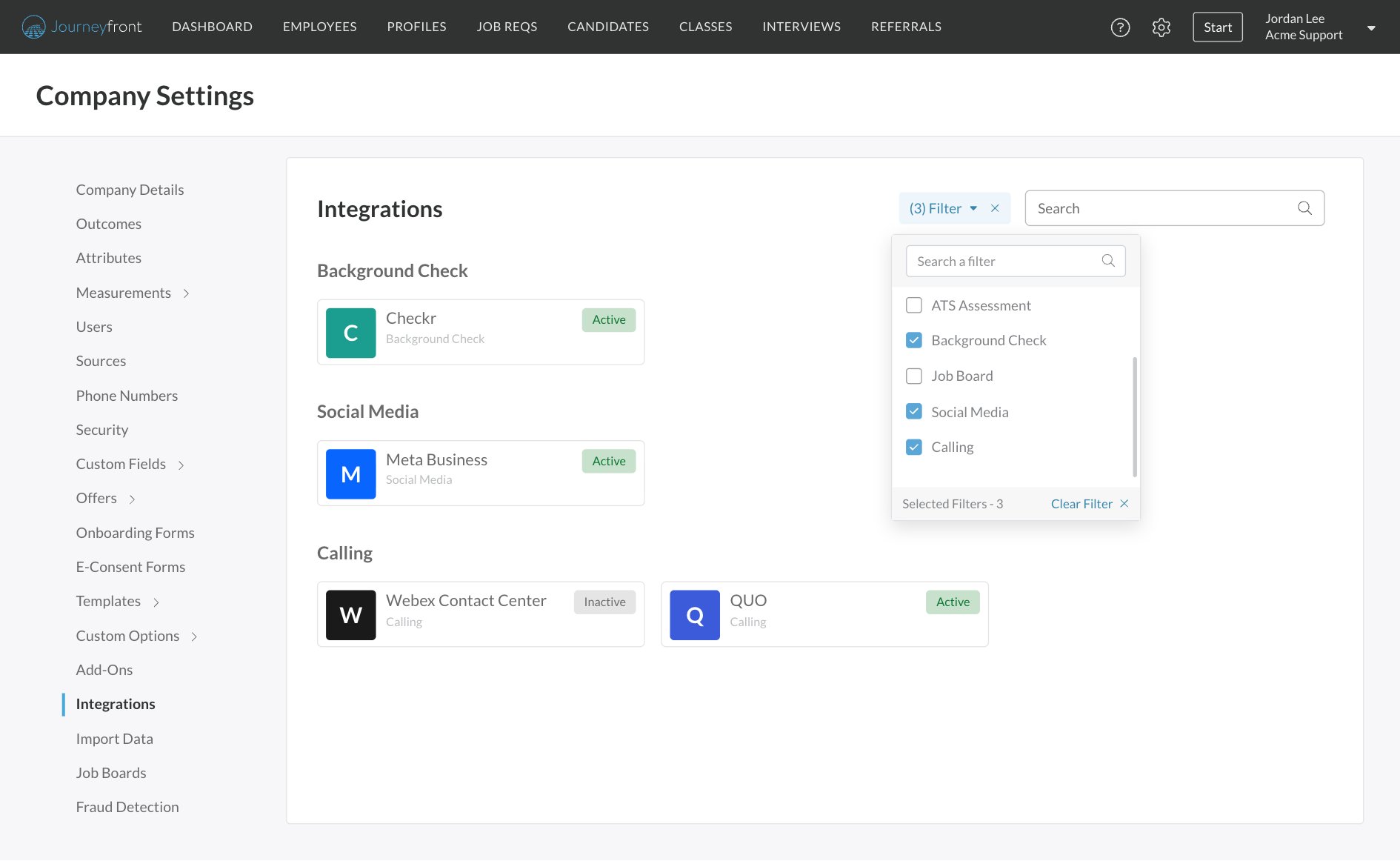
Who can do this: Admins with the Company Settings Access permission connect company-wide integrations in Settings, then Integrations. Each interviewer connects their own calendar under Interviews, then My Profile.Availability: Some integrations need to be turned on for your account or use a partner account of your own. Ask your Customer Success Manager.
HRIS
Create employees in your HR system when you hire, sync employee records into Journeyfront, and pick HR records in custom fields.
ATS
Send candidates to another applicant tracking system, or launch Journeyfront assessments from it.
Job boards
Post to Indeed with optional Easy Apply, buy boards through JobTarget, and advertise through Appcast.
Background checks
Order Checkr background checks as a workflow activity and follow their status.
E-signature
Send offer letters and documents for signature without leaving Journeyfront.
Calendars and video
Sync interviewers’ calendars so candidates book real open times, with Zoom, Microsoft Teams, GoToMeeting or Google Meet for the meeting.
Calling
Call candidates through Webex Contact Center, and log calls automatically from QUO.
Texting providers
Text candidates by SMS or WhatsApp, using Journeyfront’s texting or your own provider account.
Meta Lead Ads
Connect your Meta Business account so Facebook and Instagram lead form submissions become candidates automatically.
Single sign-on (SSO)
Let your team sign in with their company account. The Journeyfront team sets it up with you.