

Who can do this: Admins with Company Settings Access, or users with the E-Consent Forms permission, create and manage forms. Adding a form to a job req’s application form needs the Manage Job Req Settings permission.
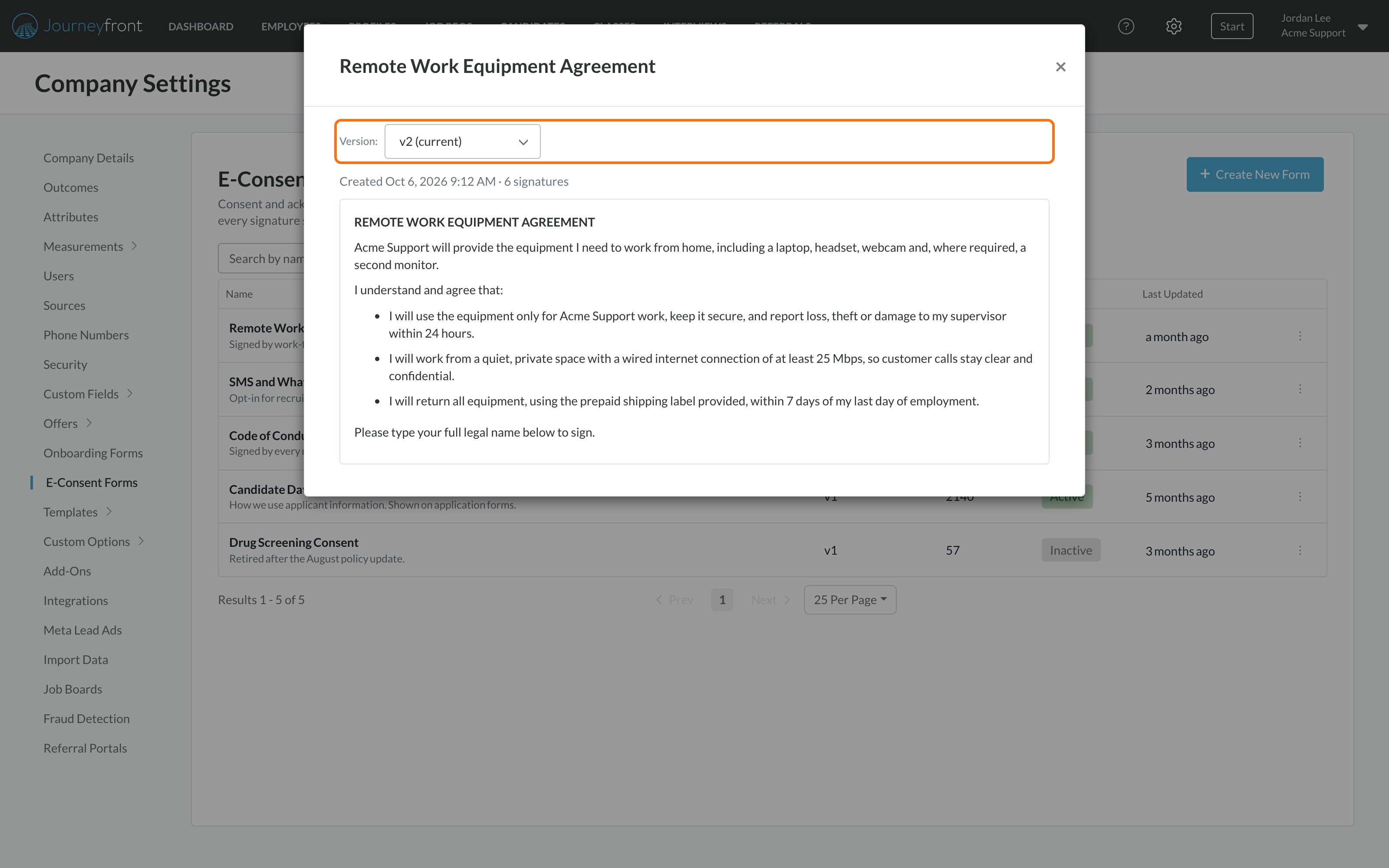
Create a form
1
Open E-Consent Forms
Go to Settings, then E-Consent Forms, and click Create New Form.
2
Write the form
- Name: the title candidates see, for example “Consent to Interview Recording”.
- Internal Description: an optional note for your team about when the form is used. Candidates don’t see it.
- Consent Content: write the terms in the editor, upload a PDF, or both.
3
Activate and save
Leave Active on (it’s on by default) so the form can be added to application and onboarding forms, then click Save.
Add a form to a job req’s application form
Ask candidates to sign when they apply.1
Open the application form
Open the job req and go to Setup, then Application Form.
2
Add the form
Click Add, then Add E-Consent Form, and pick the form from the list.
3
Choose Required or Optional
The form is added as Required. Switch it to Optional if signing shouldn’t block the application.
4
Save
Save the application form.
Add a form to an onboarding form
Collect acknowledgments during onboarding, such as policy or confidentiality acknowledgments.1
Open the onboarding form
Go to Settings, then Onboarding Forms, and create or edit an onboarding form.
2
Add the form
Click Add, then Add E-Consent Form, and pick the form from the list. It appears as a card with a Required checkbox.
3
Save and use it
Save the onboarding form and add it to your job req’s workflow as you normally would.
Edit a form
You can update a form at any time without affecting anyone who has already signed.- On the E-Consent Forms page, open the form’s actions menu and choose Edit Form.
- Make your changes. Because the content changed, the save button now reads Save as New Version.
- Click Save as New Version.
Review signatures
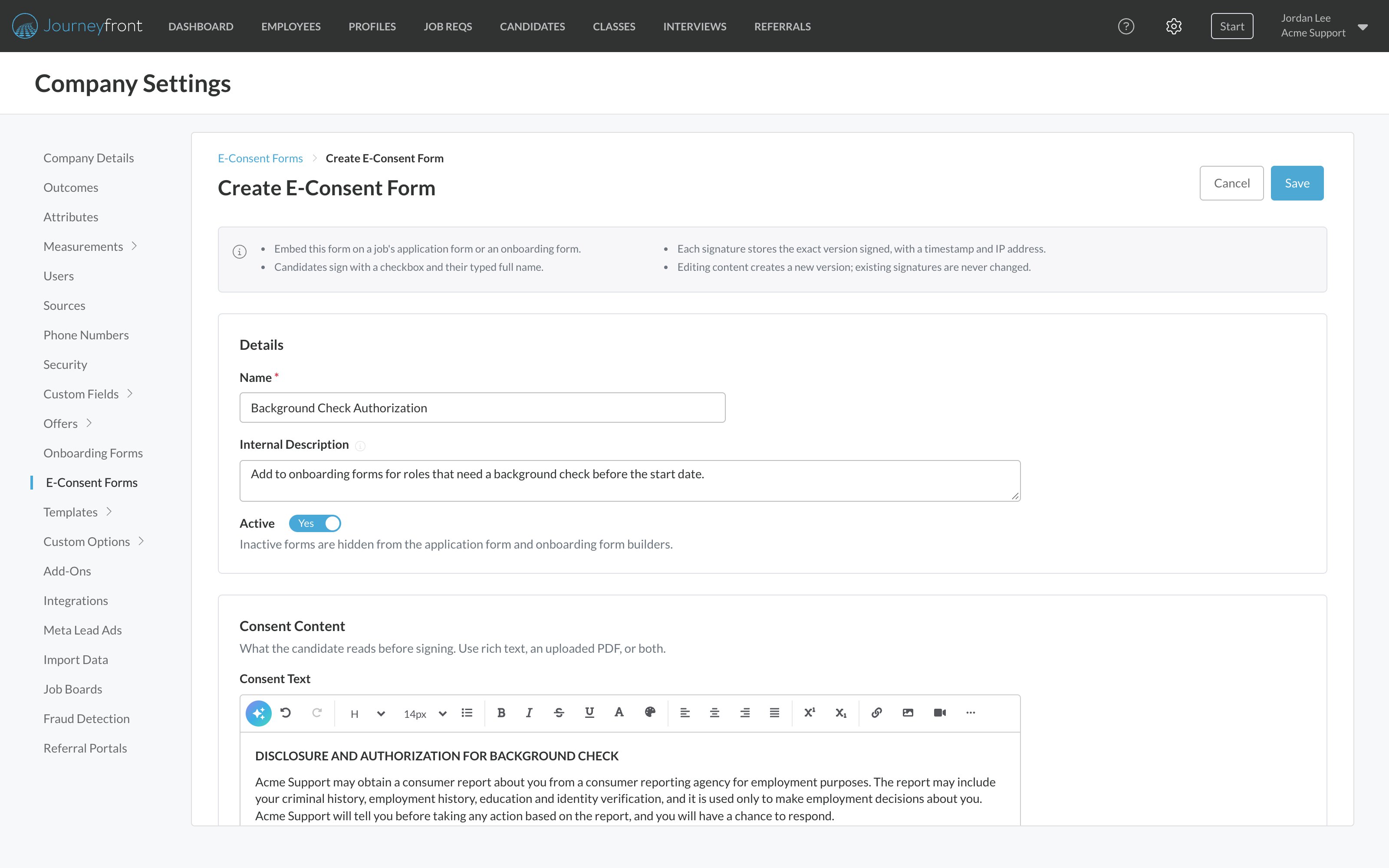
See who signed a form, when, and which version.- On the E-Consent Forms page, open the form’s actions menu and choose View Signatures.
- Search by candidate or typed name, or filter by Job Req, Version or Signed Date.
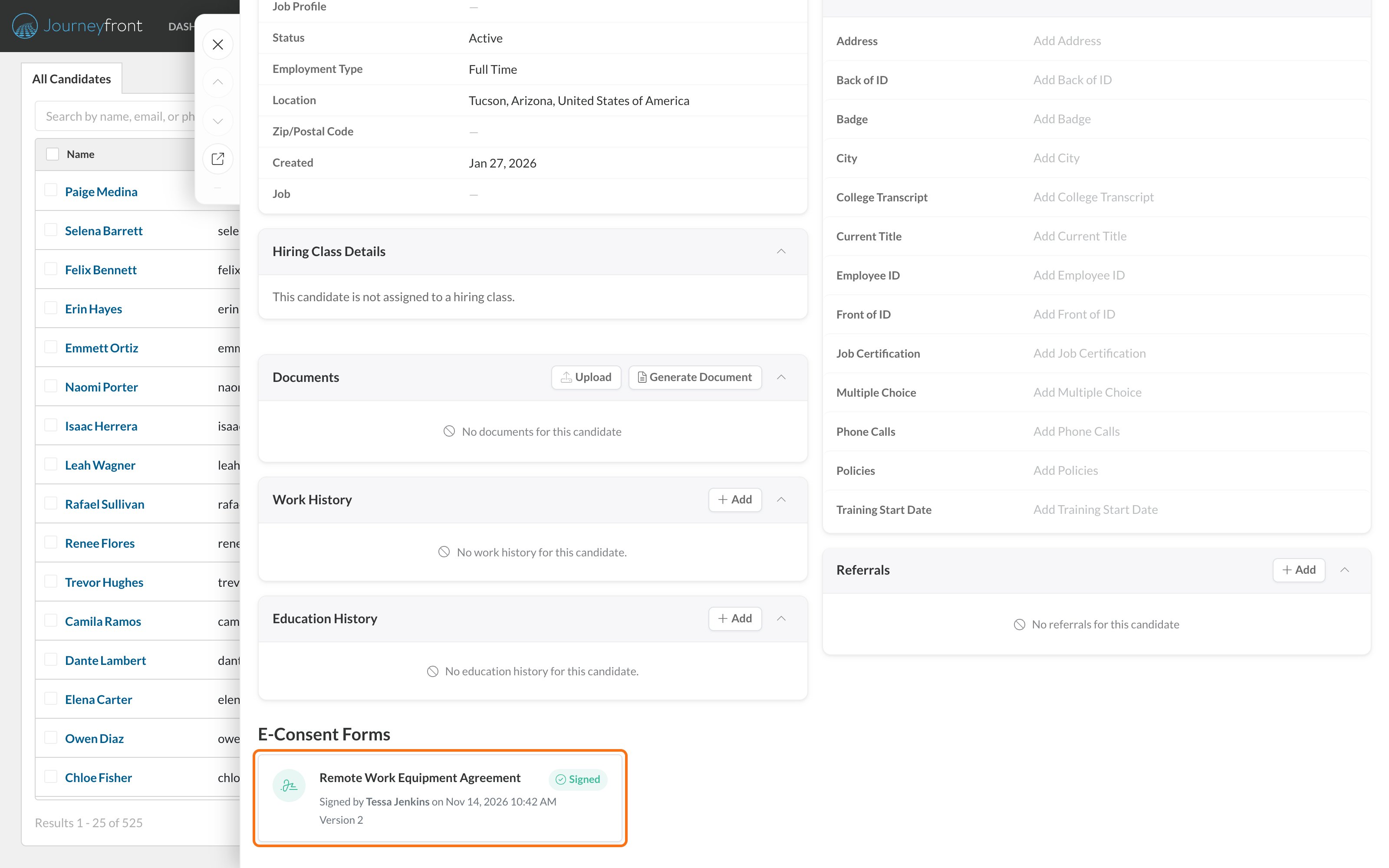
- Click any row to see the exact content that candidate signed and download a signed copy as a PDF.
- Click Export to download the filtered list as a CSV file.
See a candidate’s signed consents
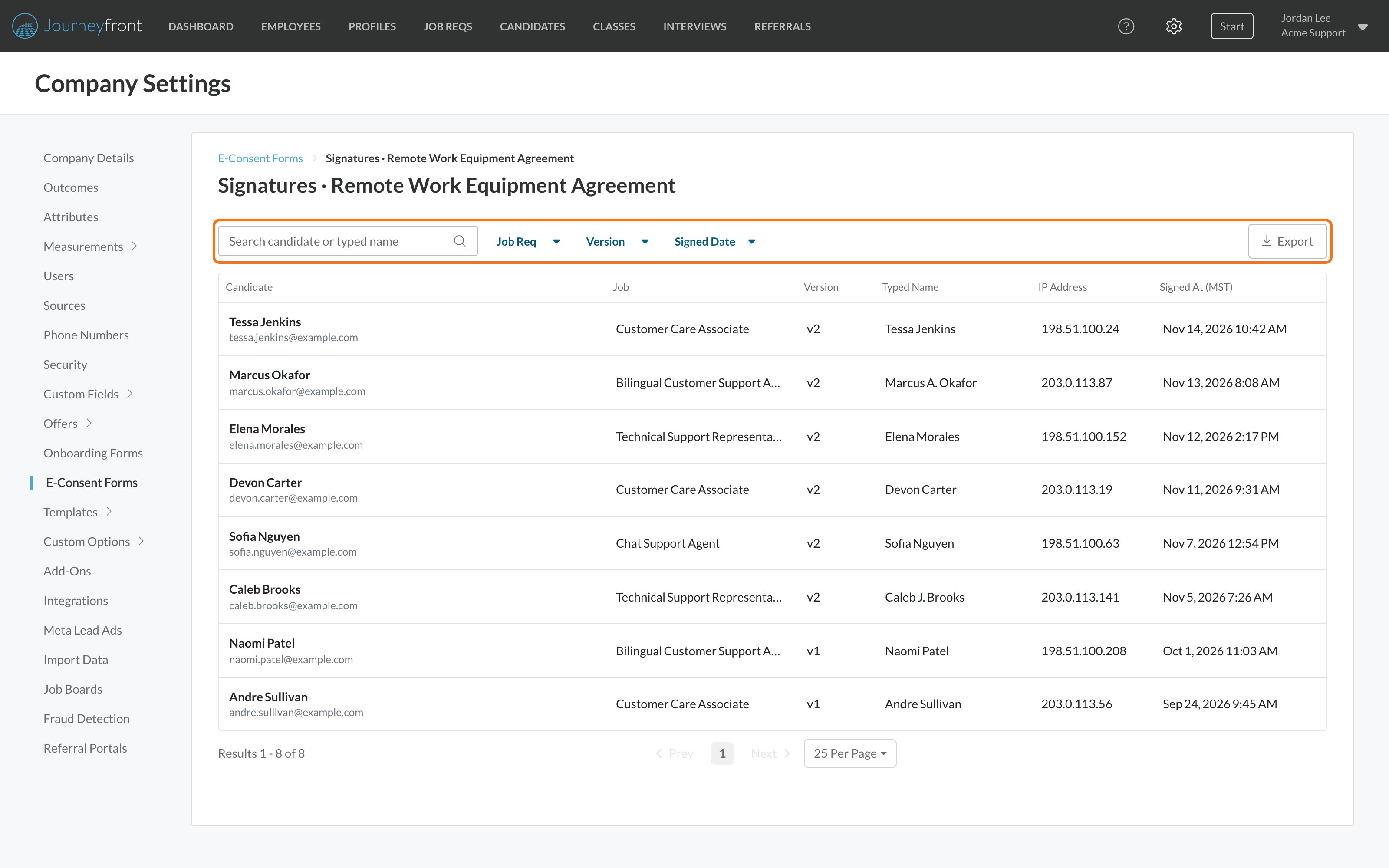
- On the Candidate Application: signed consents appear as cards on the Details tab. Consents signed during onboarding also appear on the Onboarding tab.
- On the Candidate Profile: the Details tab shows every consent the person has signed across all their applications, labeled by job.
What candidates see
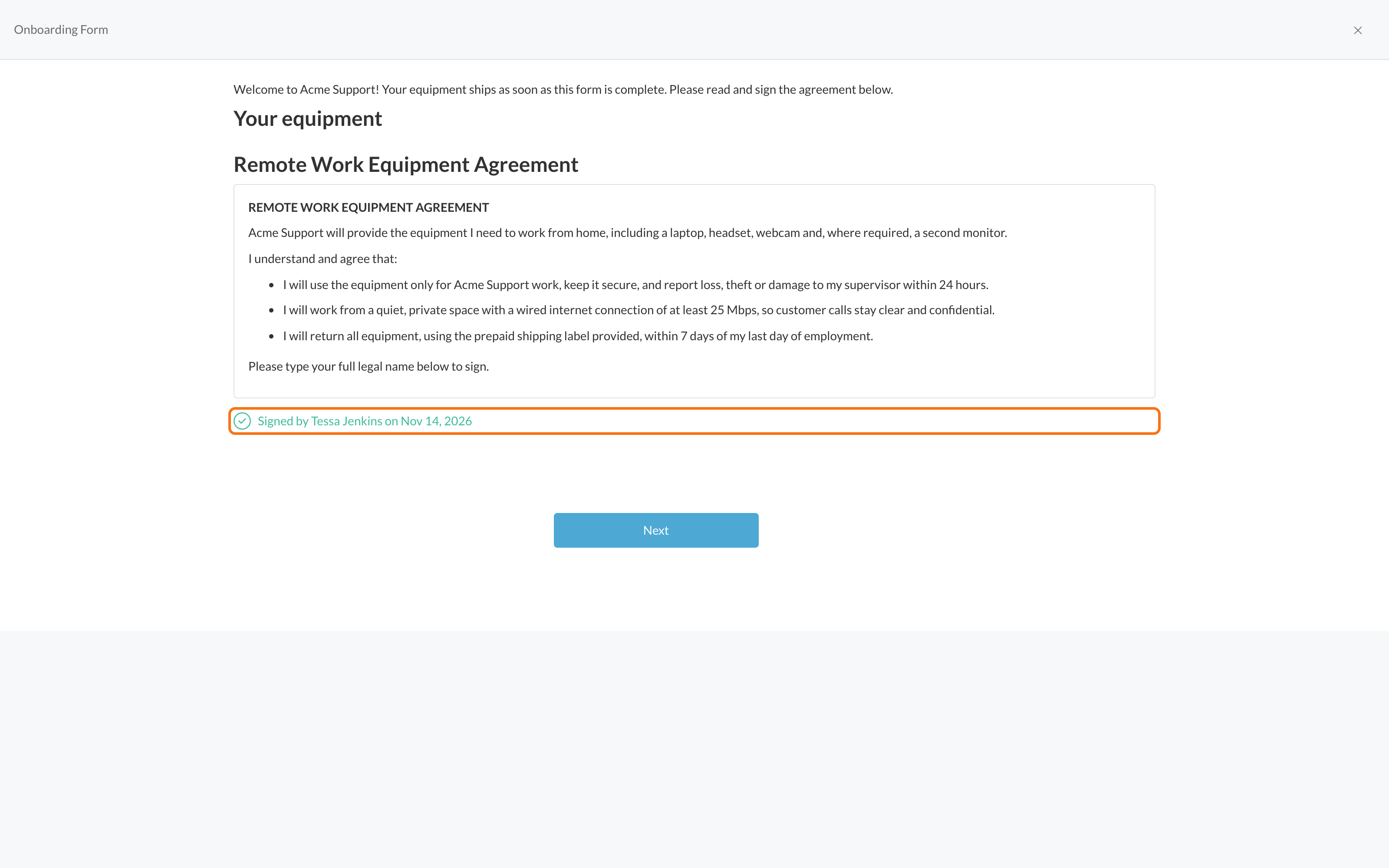
Candidates see the full consent content inside the application or onboarding form. To sign, they check I have read and agree to the terms above., type their full name and click Sign. The form then shows who signed and when.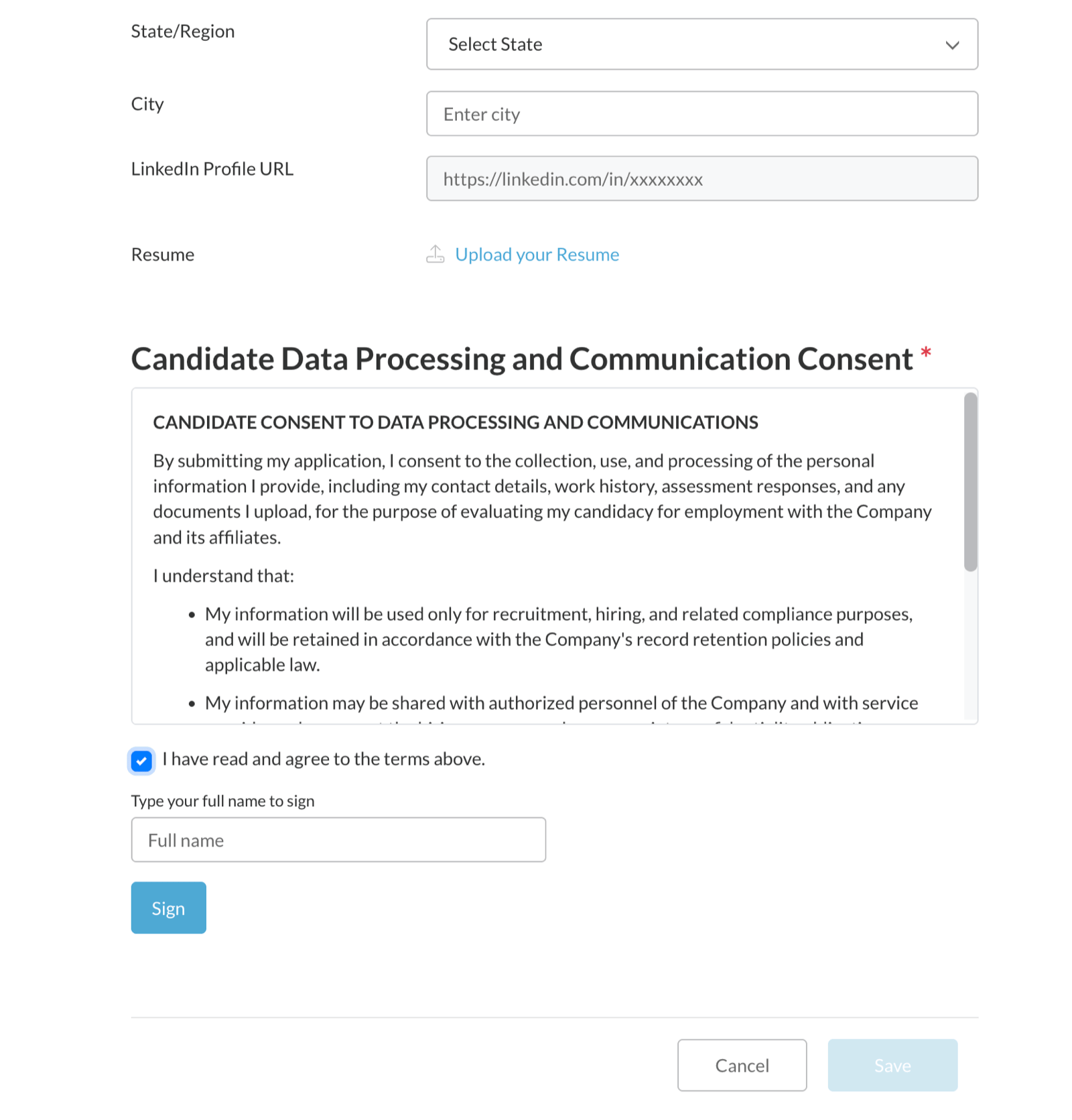
Why e-consent signatures are legally valid
E-consent forms are designed around the U.S. E-SIGN Act and the state UETA laws adopted across nearly every state. Under these laws, an electronic signature is any electronic sound, symbol or process attached to a record and adopted by a person with the intent to sign. A checked agreement box with a typed full name qualifies; a signature doesn’t need to look handwritten. What decides whether an electronic signature holds up is the evidence behind it. Journeyfront captures that evidence on every signature:
The signed-copy PDF puts all of this in one shareable document: the signer’s name, the date and time, the company and job, the content version, and the complete content that was on screen, including any uploaded document.
This section describes how e-consent forms work and the legal framework they’re designed around. It’s general information, not legal advice. Requirements vary by location and by the type of consent you collect, so review your consent language and process with your own legal counsel.
FAQ
Is a typed name a valid signature?
Is a typed name a valid signature?
Yes. Under the U.S. E-SIGN Act, an electronic signature is any electronic process adopted with the intent to sign. A typed full name with an agreement checkbox qualifies, and Journeyfront strengthens the record by storing the date, time and exact version of the content the candidate saw.
What happens if I edit a form people have already signed?
What happens if I edit a form people have already signed?
Your edit creates a new version. Everyone who already signed keeps their record on the version they saw, and no one is asked to sign again. New signatures use the new version.
Can I delete a form?
Can I delete a form?
Only while no one has signed it. After the first signature, you can Deactivate the form to remove it from the form builders. The form and its signatures are kept so your records stay complete. A form that’s still on an application form or onboarding form can’t be deleted or deactivated; remove it from those forms first.
Does a candidate sign once, or once per application?
Does a candidate sign once, or once per application?
Once per application. If a candidate applies to two job reqs that both require the same consent, they sign on each application and each signature is recorded separately.
Can I make a consent optional?
Can I make a consent optional?
Yes. On an application form, set the consent to Optional. On an onboarding form, clear the Required checkbox on the form’s card.
Do candidates get an emailed copy?
Do candidates get an emailed copy?
No. Candidates can view and download everything they’ve signed from the My Consents page in their portal, so their copy is always available.
Is there a cost per signature?
Is there a cost per signature?
No. E-consent signatures are included with Journeyfront and don’t use e-signature credits.
How is this different from offer e-signatures?
How is this different from offer e-signatures?
Offer e-signatures send offer letters through a signing service, with signature placement on the document and support for more than one signer, and each send uses an e-signature credit. E-consent forms are for consents and acknowledgments: candidates sign with a checkbox and typed name right inside the application or onboarding form, with no credits used.
Related
Offer e-signatures
Send offer letters for signature.
Workflows overview
Where application and onboarding forms fit in a job req.